

VisitorPass – Visitor Verification
Every visitor verified at the gate – QR entry passes, guard scanning app and a complete in/out record
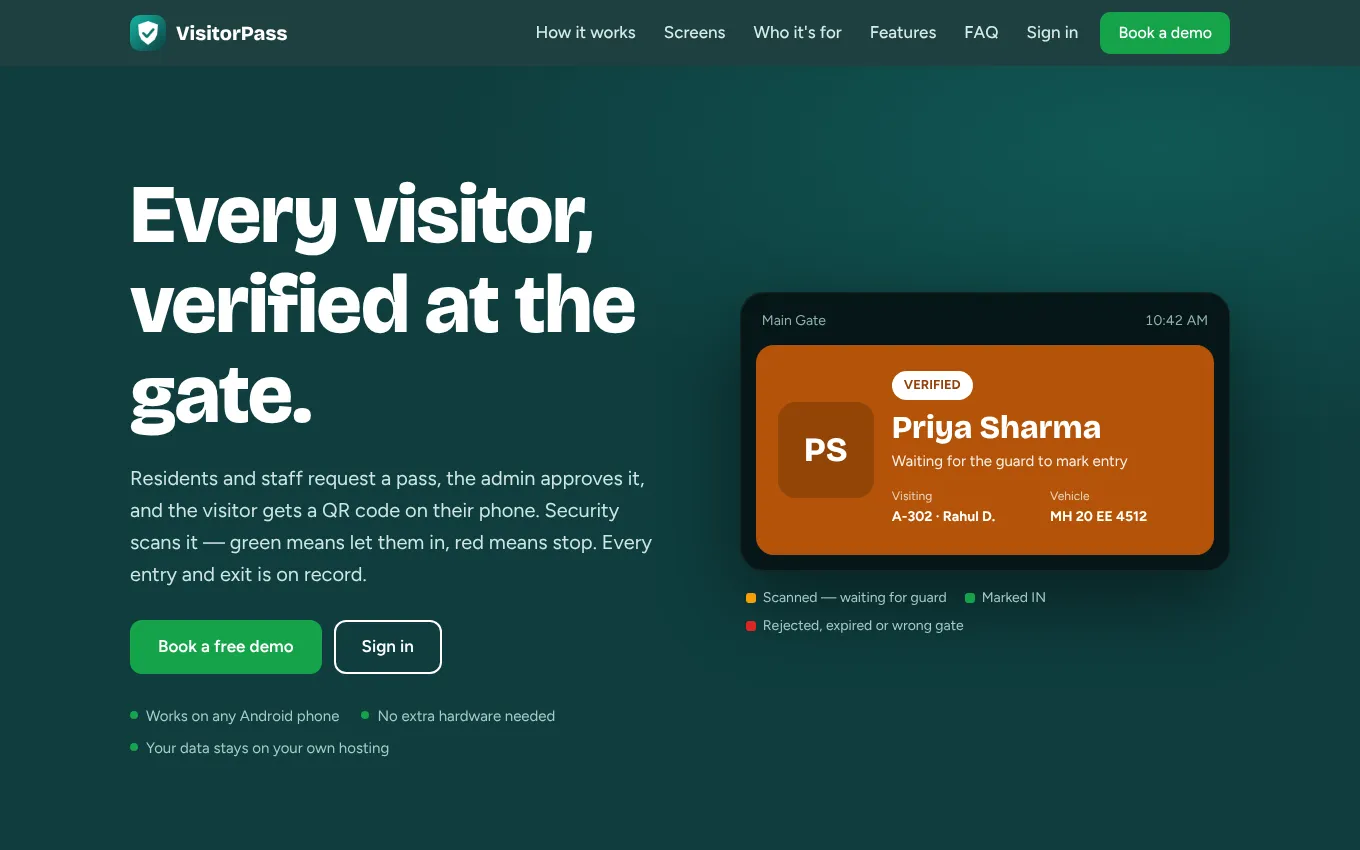
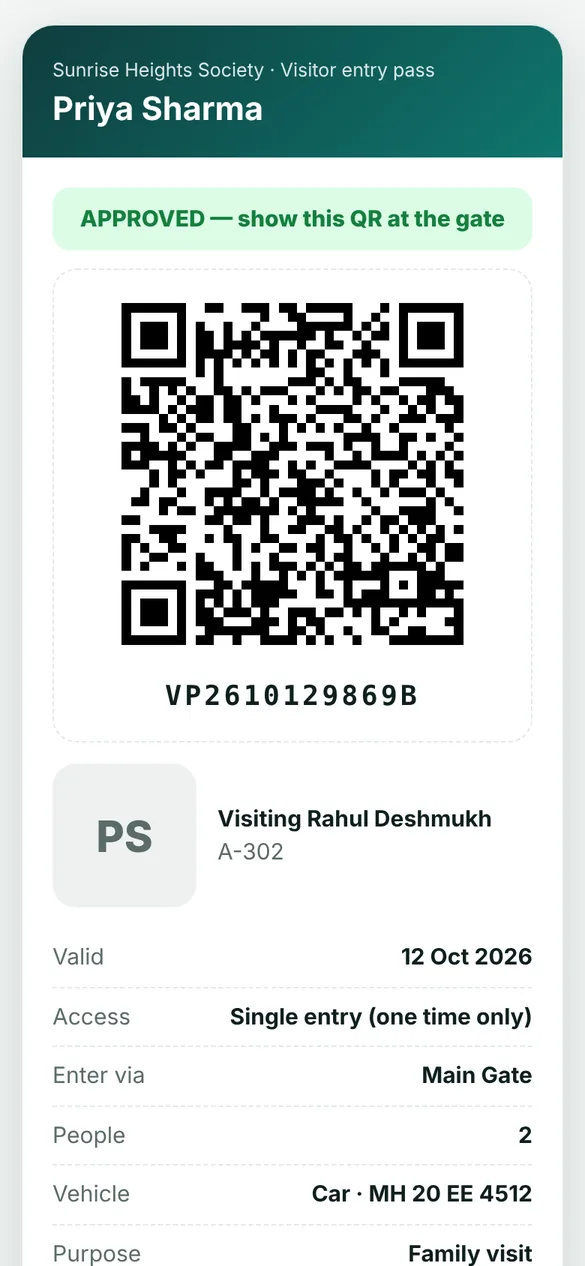
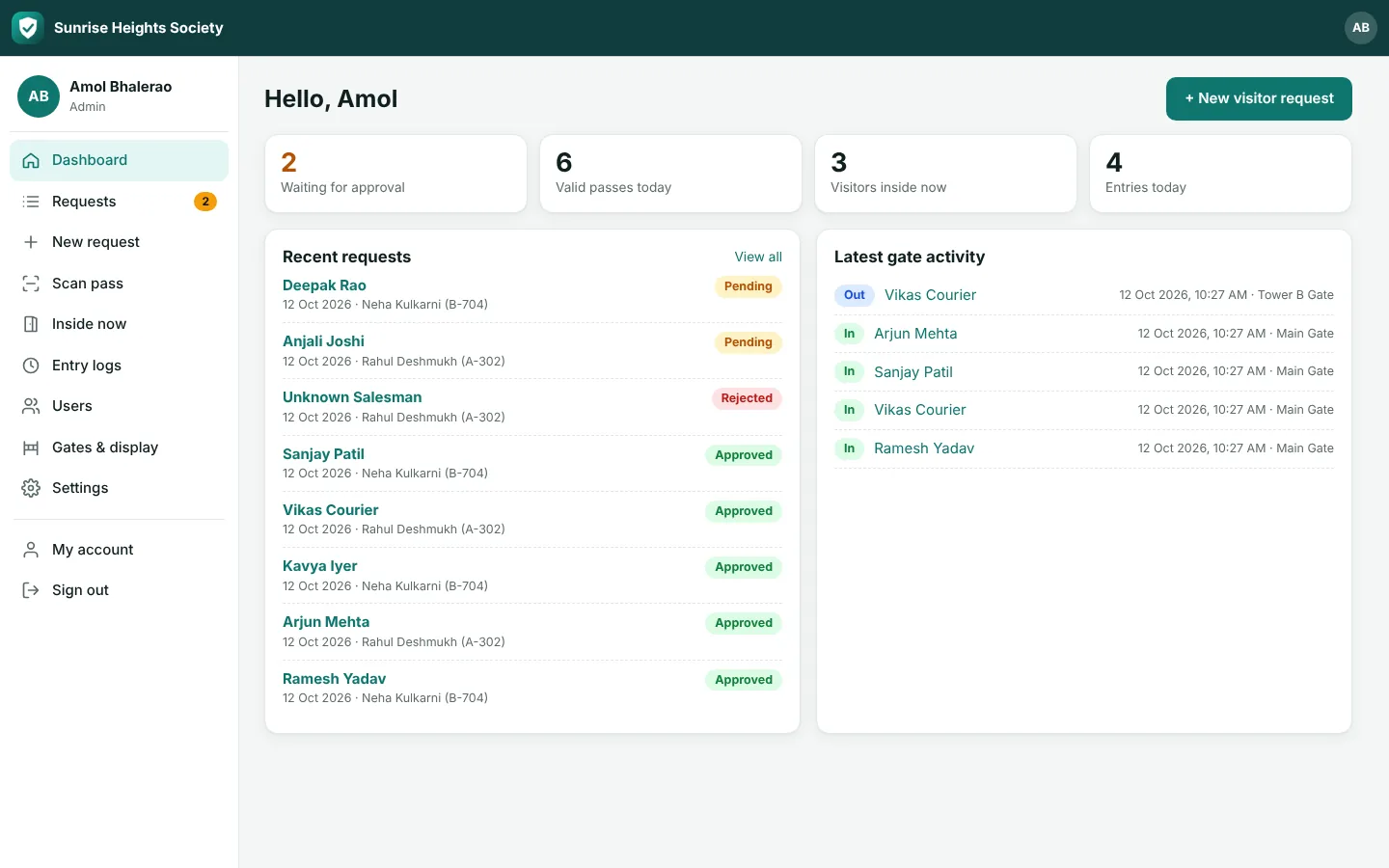
VisitorPass replaces the visitor register at the gate. A resident or staff member requests a pass with the visitor's name, mobile, date, vehicle and ID photo; the admin checks the ID and approves it in one tap; the visitor receives a QR entry pass by e-mail or WhatsApp and can add a selfie and documents before arriving.
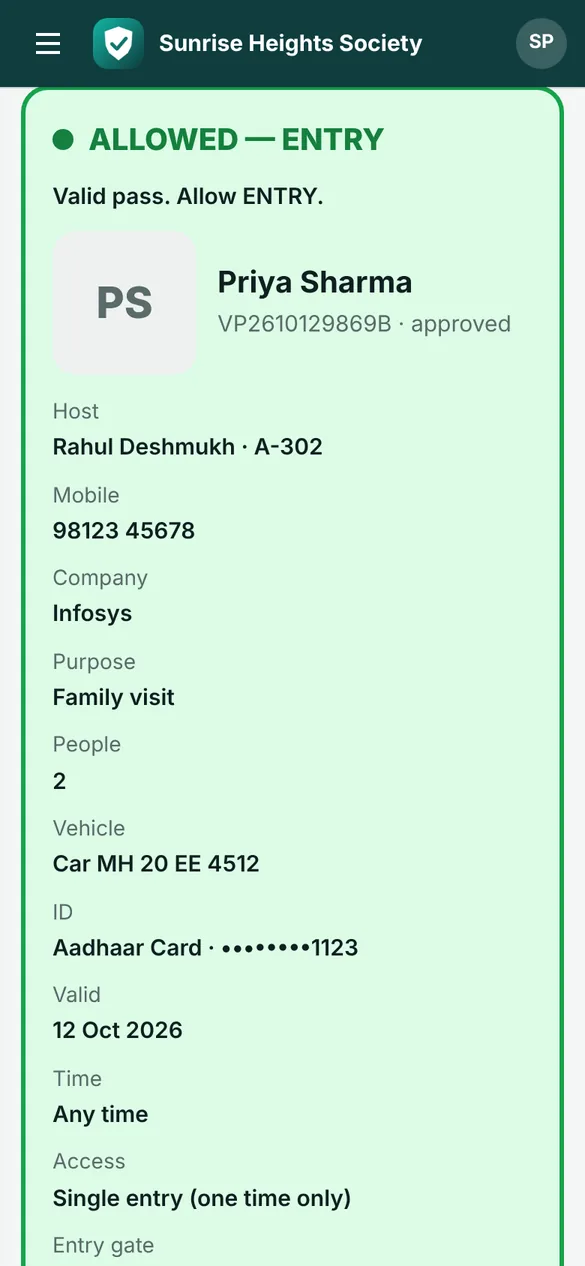
At the gate the security guard scans the QR with the Android app. Green means mark IN; red shows the exact reason – pending, rejected, expired, outside the time window or wrong gate – and the gate stays shut. One more scan marks OUT, so every visit has an entry and exit time, gate and guard.
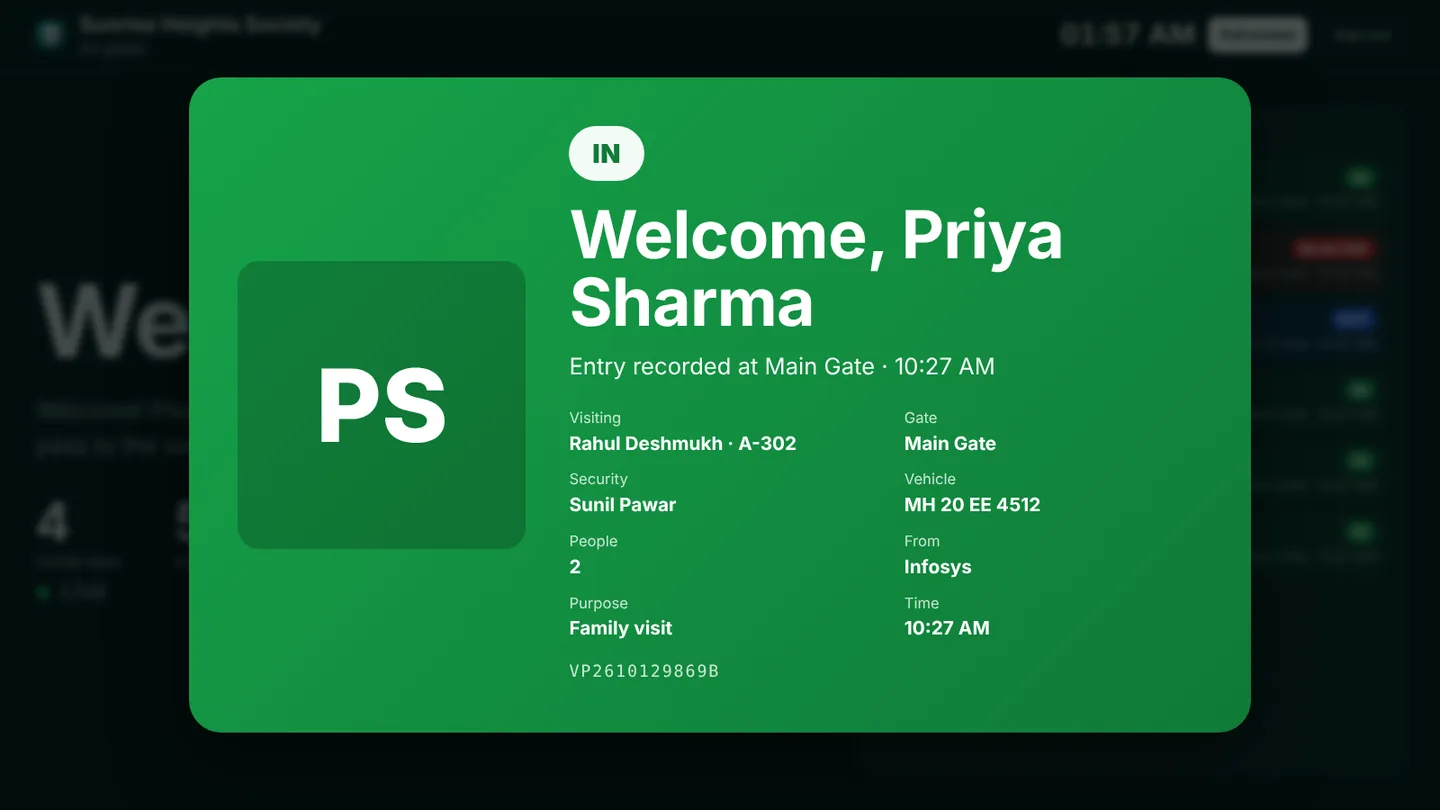
A welcome screen on any TV or tablet at the entrance shows the visitor's name, host and gate the moment the pass is scanned. It works on any Android phone with no extra hardware, your data stays on your own hosting, and a relay controller can open the boom barrier automatically.
Who it is for
Built with
Everything VisitorPass – Visitor Verification can do
Request in under a minute
Members add visitor name, mobile, date, vehicle and ID photo from the app or website
One-tap approval
Admin reviews the ID and approves or rejects; the member is told either way
QR pass by e-mail & WhatsApp
Visitors add their own selfie, ID proof and documents from the pass link
Guard scanning app
Green to mark IN, red with the exact reason – pending, rejected, expired, outside time or wrong gate
Pass rules that match real life
One-time, once a day or many times between two dates, with time window and entry limit
Entry through chosen gates
Allow entry only at the gate you pick; exit at any gate
Complete in/out record
Every entry with time, gate and guard; filter by date and export to Excel (CSV)
Welcome display
Entrance TV or tablet turns green on IN, blue on OUT and red when entry is refused
Roles
Admin, member, security guard and display screen – each sees only what they need
Automatic gates
Connect a relay or sensor and the boom barrier opens when the guard marks IN
See it in action
Get VisitorPass – Visitor Verification for your organisation
Ask for a demo, price or customisation. Our team replies within one working day.